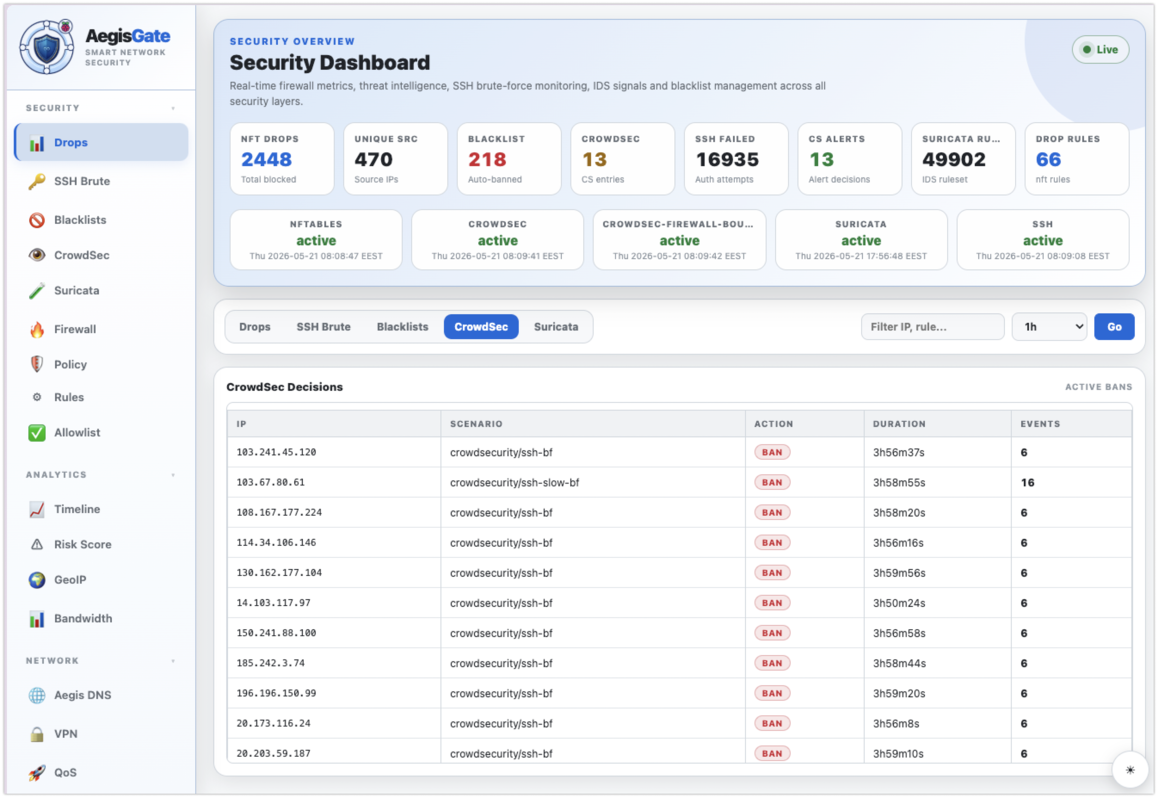
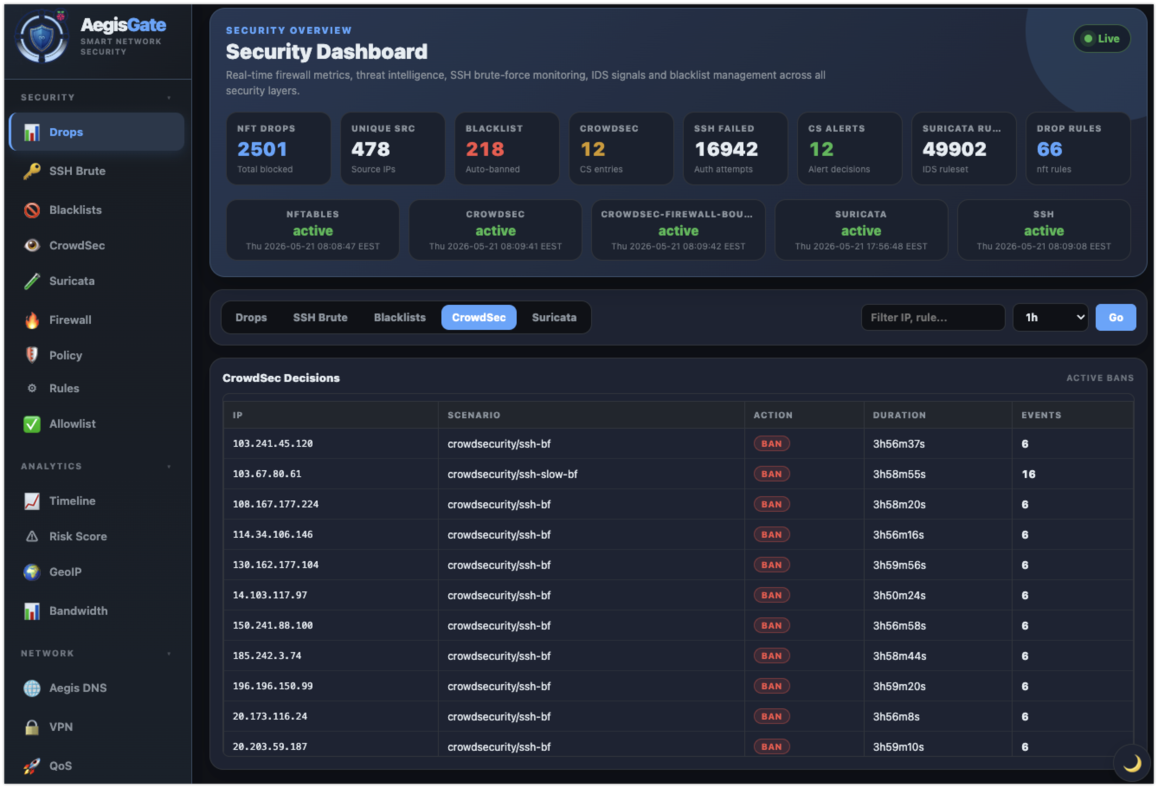
| DNS & Content Filtering |
| DNS ad/malware blocking |
✓ Built-in, 680k+ domains |
✓ Core feature, excellent lists |
⚡ Via plugin / Unbound |
⚡ Manual dnsmasq setup |
| Per-client DNS policies |
✓ Groups + service bundles |
✓ Client groups |
✗ Not built-in |
⚡ Limited, manual |
| Service bundles (YouTube, TikTok, social) |
✓ One-click presets |
✗ Manual list management |
✗ Not available |
✗ Not available |
| DoH bypass protection |
✓ DNS hijack + block |
⚡ Block known DoH servers |
✗ Not built-in |
✗ Manual iptables rules |
| Firewall & Network |
| Firewall / NAT |
✓ nftables, full NAT, DNAT |
✗ Not a firewall |
✓ Very strong, pf/iptables |
✓ iptables / nftables |
| Port forwarding |
✓ Dashboard UI |
✗ Not available |
✓ Full UI |
✓ LuCI UI |
| QoS / Traffic shaping |
✓ CAKE, fq_codel, HTB, HFSC |
✗ Not available |
⚡ Traffic shaper plugin |
✓ SQM / luci-app-sqm |
| Security & Threat Response |
| IPS (Suricata) |
✓ Integrated, NFQ mode |
✗ Not available |
⚡ Suricata package |
✗ Not the focus |
| Auto-ban (CrowdSec) |
✓ Integrated, auto-remediation |
✗ Not available |
⚡ Package, manual setup |
✗ Not available |
| GeoIP blocking |
✓ Dashboard, country flags |
✗ Not available |
⚡ Via pfBlockerNG |
✗ Manual iptables rules |
| VPN & Remote Access |
| WireGuard VPN |
✓ Built-in, per-peer ACL |
✗ Not available |
✓ Package available |
✓ Package available |
| VPN per-client routing |
✓ Dashboard-managed ACL |
✗ Not available |
✓ Full CSO / static routes |
⚡ Manual config |
| Dashboard & Monitoring |
| Real-time dashboard |
✓ Security-focused, live |
✓ DNS query dashboard |
✓ Full appliance dashboard |
✓ LuCI router UI |
| DNS query log & analytics |
✓ Real-time, per-client |
✓ Core strength |
✗ Not built-in |
⚡ Limited |
| Threat timeline |
✓ Attack events, port stats |
✗ DNS queries only |
⚡ Via Suricata package |
✗ Not available |
| Deployment & Maintenance |
| One-command install |
✓ curl | bash |
✓ curl | bash |
✗ Appliance image + setup wizard |
✗ Flash image + configure |
| Raspberry Pi native |
✓ Designed for Pi/Linux |
✓ Runs on Pi |
✗ Mostly x86-focused |
✓ Designed for routers |
| Unified policy surface |
✓ One dashboard for all |
✗ DNS only |
✗ Plugin-by-plugin |
✗ Package-by-package |